
Most SCADA and remote monitoring applications require the ability to connect to the remote device from the control centre – not just the remote device initiating a connection outward. This is called inbound connectivity and it requires a fixed, predictable IP address. Standard consumer and business SIMs use dynamic IP addresses that change every time the SIM reconnects to the network. Fixed IP SIM cards assign a permanent, static IP address to the SIM that never changes, making inbound connections reliable and predictable.
Why Dynamic IP Fails for Most SCADA Applications
A SCADA system polling Modbus TCP from a remote site needs to know the IP address of the remote router. With a dynamic IP SIM, this address changes unpredictably – every reboot, every network handover, every session expiry could result in a new IP. Dynamic DNS (DDNS) services can work around this for some applications, but they introduce additional failure points and latency, and many industrial control system protocols do not support hostname-based addressing.
Fixed IP SIM vs Private APN
Fixed IP SIMs and private APNs are often confused. A fixed IP SIM assigns a permanent IP address to the SIM on the public internet (or on the operator’s network, depending on configuration). A private APN routes the SIM traffic onto a private network entirely. Both give you a consistent IP address, but private APN additionally isolates the traffic from the public internet. Fixed IP on a standard APN with VPN is adequate for most deployments. Fixed IP on a private APN is the approach for higher security requirements.
Multi-Network SIMs for Coverage Resilience
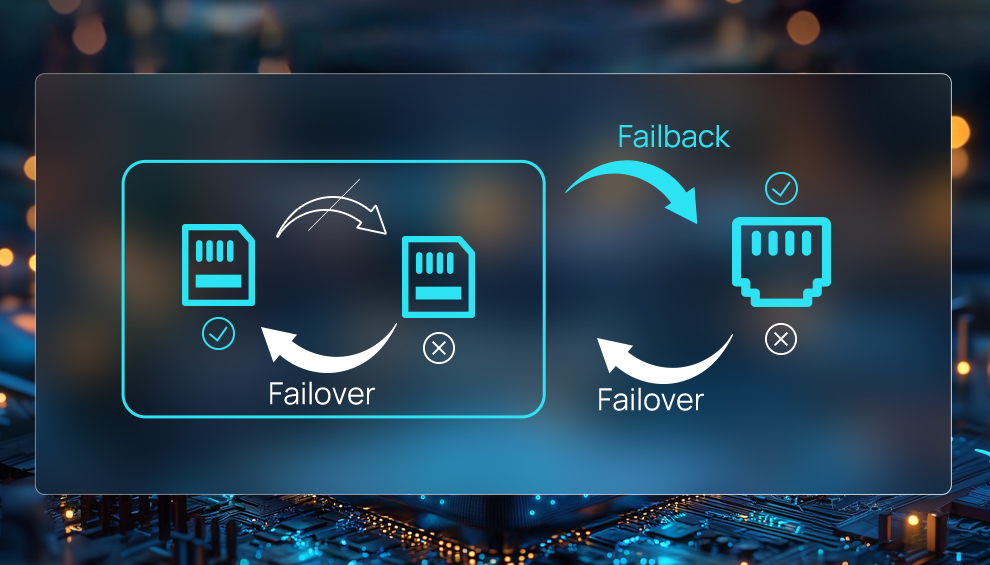
Multi-network SIMs (sometimes called roaming SIMs) can connect to multiple UK mobile networks – EE, Vodafone, O2 and Three. In locations where single-network coverage is marginal, a multi-network SIM significantly improves uptime by automatically selecting the best available network. For critical infrastructure sites in remote locations, multi-network SIM is strongly recommended even if it costs a few pounds more per month.
Configuring APN Settings on Milesight Routers
All Milesight routers support manual APN configuration. Navigate to Network > Cellular in the UR75 web interface. Enter the APN name provided by your SIM supplier, along with any username and password if required. The fixed IP address is assigned by the network – you do not configure it on the router. Verify the assigned IP address is correct in the router’s cellular status page. Configure the VPN client to use this IP as the local endpoint. DeviceHub can monitor connection status and alert on SIM failover events across a fleet.